BouDIY® Community Hub &
{NSFW Edition} Space
Ready to share freely and be surrounded by artists who get it? Welcome!
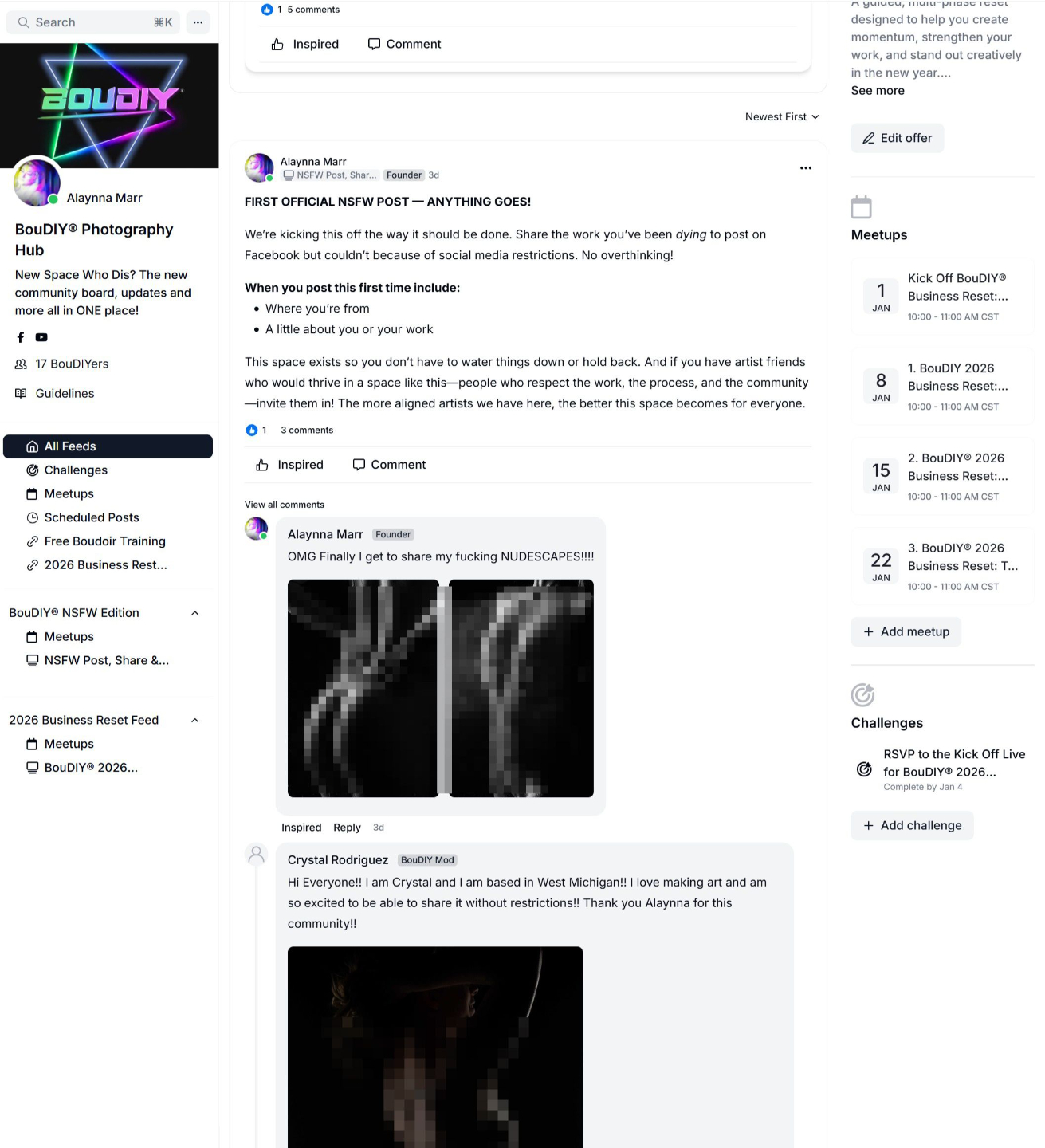
This private group is an extension of the BouDIY® Facebook Group---> but make it NSFW!
If you’re ready to share your work without self-censoring and connect with artists who value your art as deeply as you do, you’re in the right place.
After signup, you'll receive an email with instructions on how to access and navigate the community.!
HOW TO ACCESS BOUDIY® {NSFW Edition}
After signing up at the link above you can access the BouDIY® Community on desktop or on your phone.
Here’s how both options work:
OPTION 1: ACCESS ON DESKTOP (NO APP REQUIRED)
- Go to boudiy.com/logon
- Log into your BouDIY® account
- Existing members: use the email already tied to your BouDIY account
- New members: enter the email you want to use and create your account
- Once logged in, you’ll land in your Library
- Click BouDIY® NSFW Icon
- This will open the Community Feed, where you can view posts, comment, and share
That’s it — you can fully use the community from desktop without installing anything.
OPTION 2: ACCESS ON MOBILE (KAJABI APP)
If you want to use the community on your phone, you’ll need the Kajabi app.
- Download the Kajabi app from the App Store or Google Play
- Open the app and log in using your BouDIY® account email
- Once logged in, you should see two tabs at the bottom:
- Library
- Community
Tap Community to access the BouDIY® Community.
IMPORTANT NOTE ABOUT THE APP (READ THIS IF YOU DON’T SEE COMMUNITY TAB)
Kajabi recently updated their app. There used to be a separate app just for communities, but now everything lives inside the main Kajabi app.
If you do not see the Community tab, do this workaround:
- Install the Kajabi Communities app
- Open it
- It will prompt you to install the new Kajabi app
- Tap that prompt — it will open the App Store
- You’ll see you already have the app installed
- Tap Open
- You should now see the Community tab
If you still don’t see it:
- Press and hold on the screen
- Pull down to refresh
- The Community tab should appear
Once this is set up, you can access the BouDIY® Community anytime from your phone or desktop.
If these steps do not work or you need help with something else please email [email protected] and we’ll get you sorted.